A different way to share every time
A cloud drive, an unlisted upload, or a file in a message: each project starts with deciding where to watch the video and where to send feedback.
Mark video segments, formulate comments, and discuss decisions in one CorrectMe project.
When feedback is hard to collect and understand, it is harder for a team to agree on what the video should become.
A cloud drive, an unlisted upload, or a file in a message: each project starts with deciding where to watch the video and where to send feedback.
A voice message in chat, timecodes in a spreadsheet, images in email. To understand one comment, the team has to bring everything together.
The video segment and frame area need clarification. Replies spread across conversations again, making the context harder to recover.
Scattered materials lead to questions, and answers add more messages. Work may take longer, expectations may be misunderstood, and the client may be unhappy with the finished video.
Create a project, invite participants, and discuss comments alongside the relevant video segments.
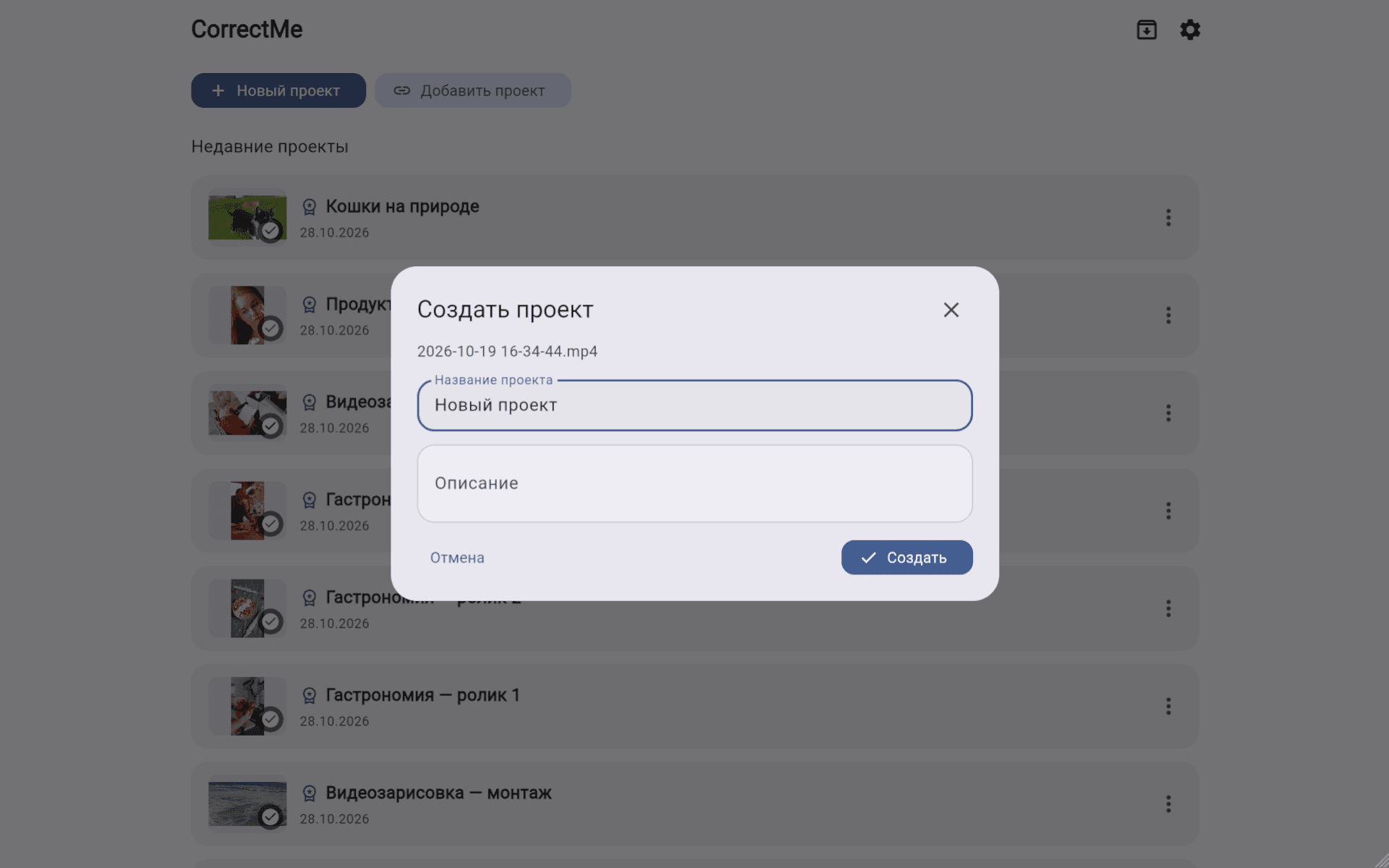
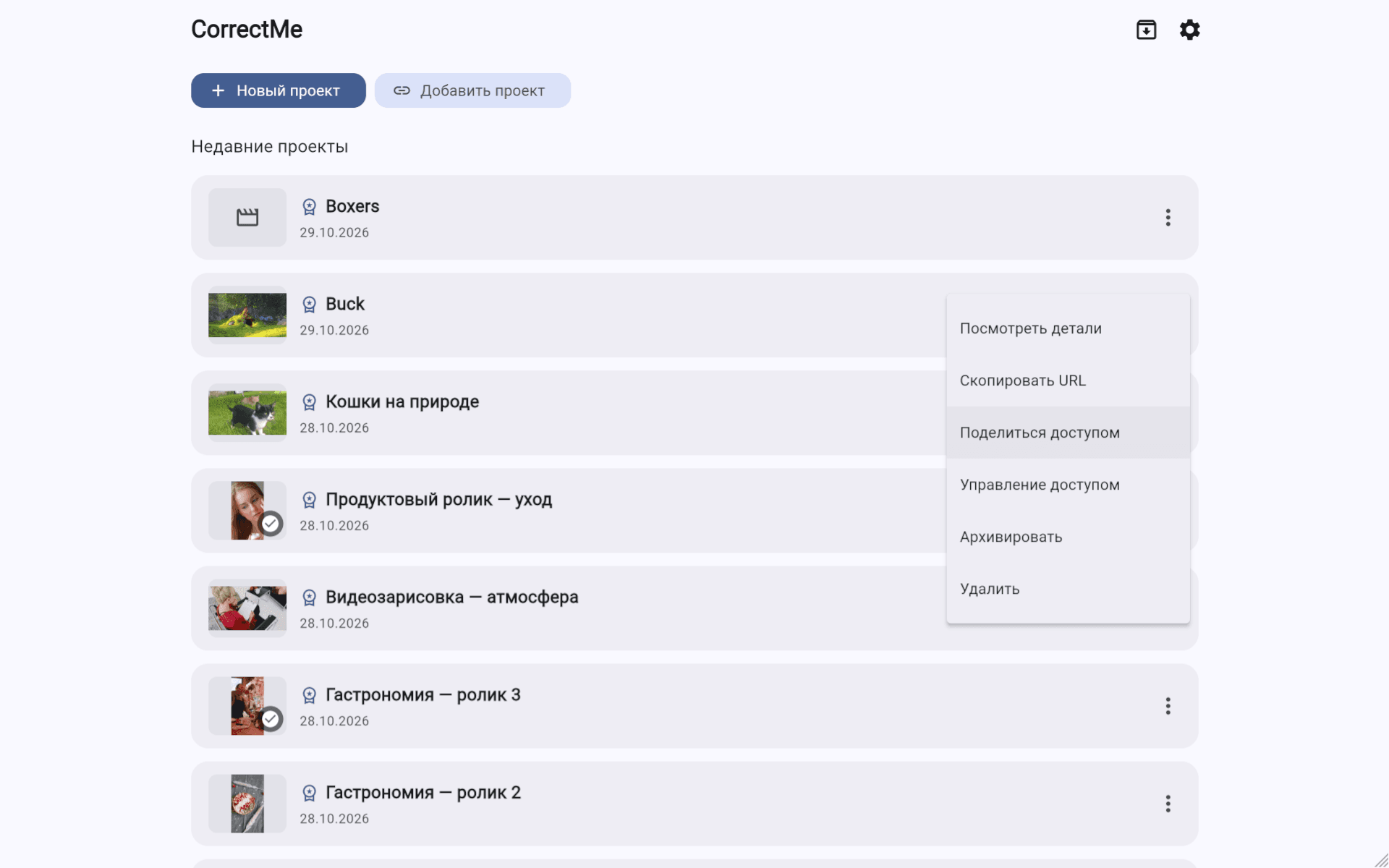
01
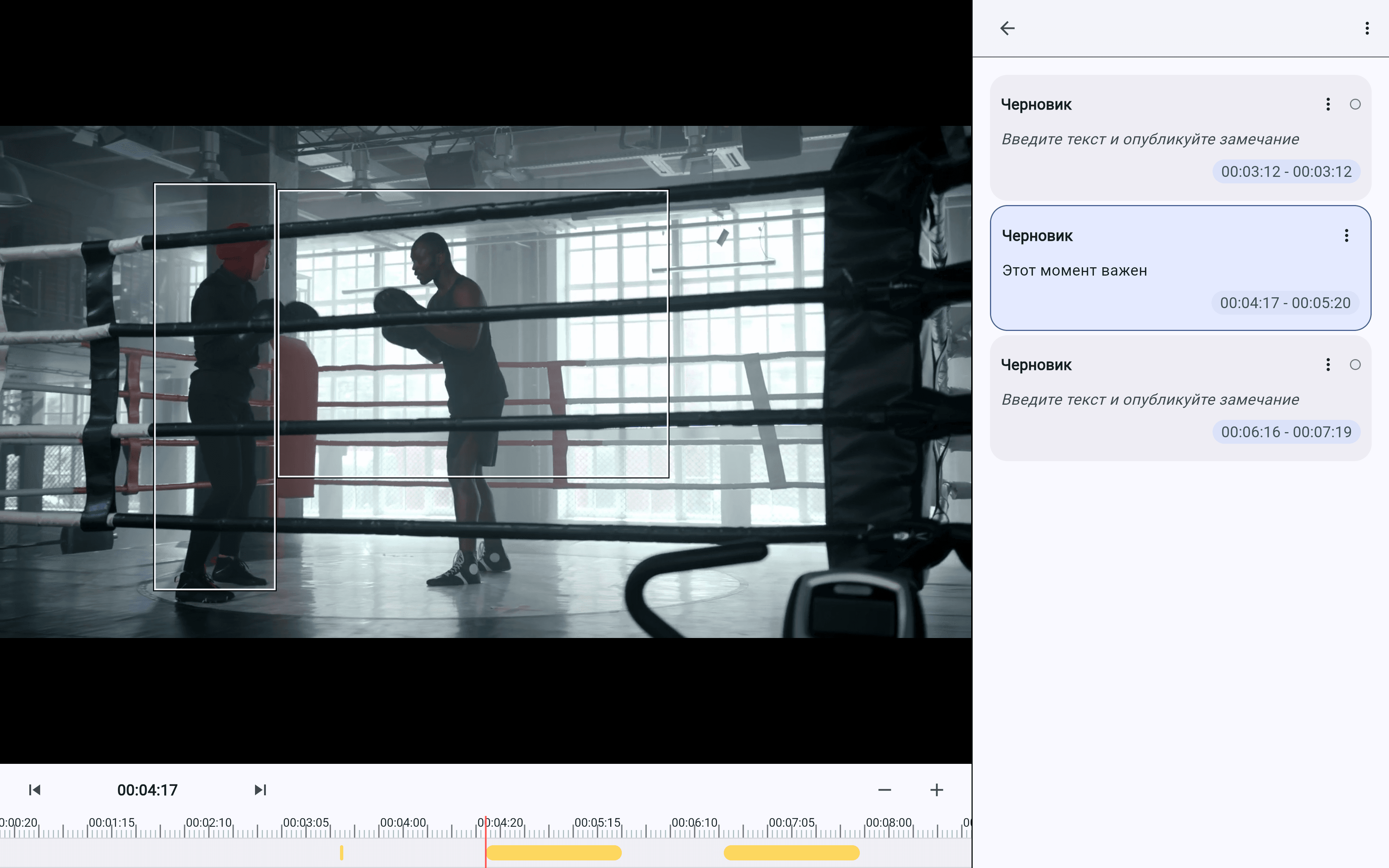
Mark the segments you need as you watch, then return to them when you are ready to write a comment.
02
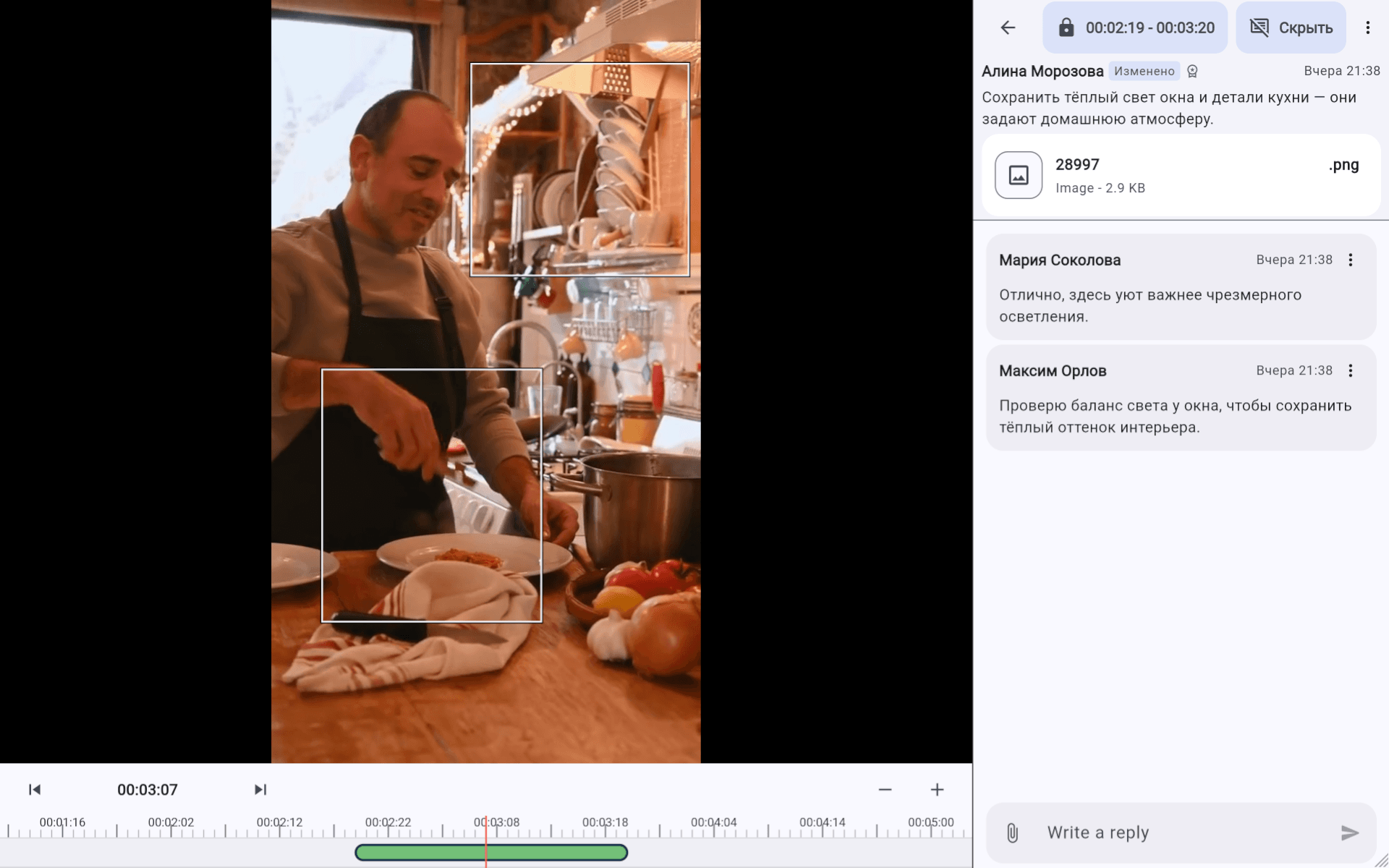
Add text, mark an area in the frame, and attach an image if it helps explain your point.
03
Discuss the comment and agree on a solution while keeping it connected to the relevant video segment.
Open a project and work with video and comments from your phone.
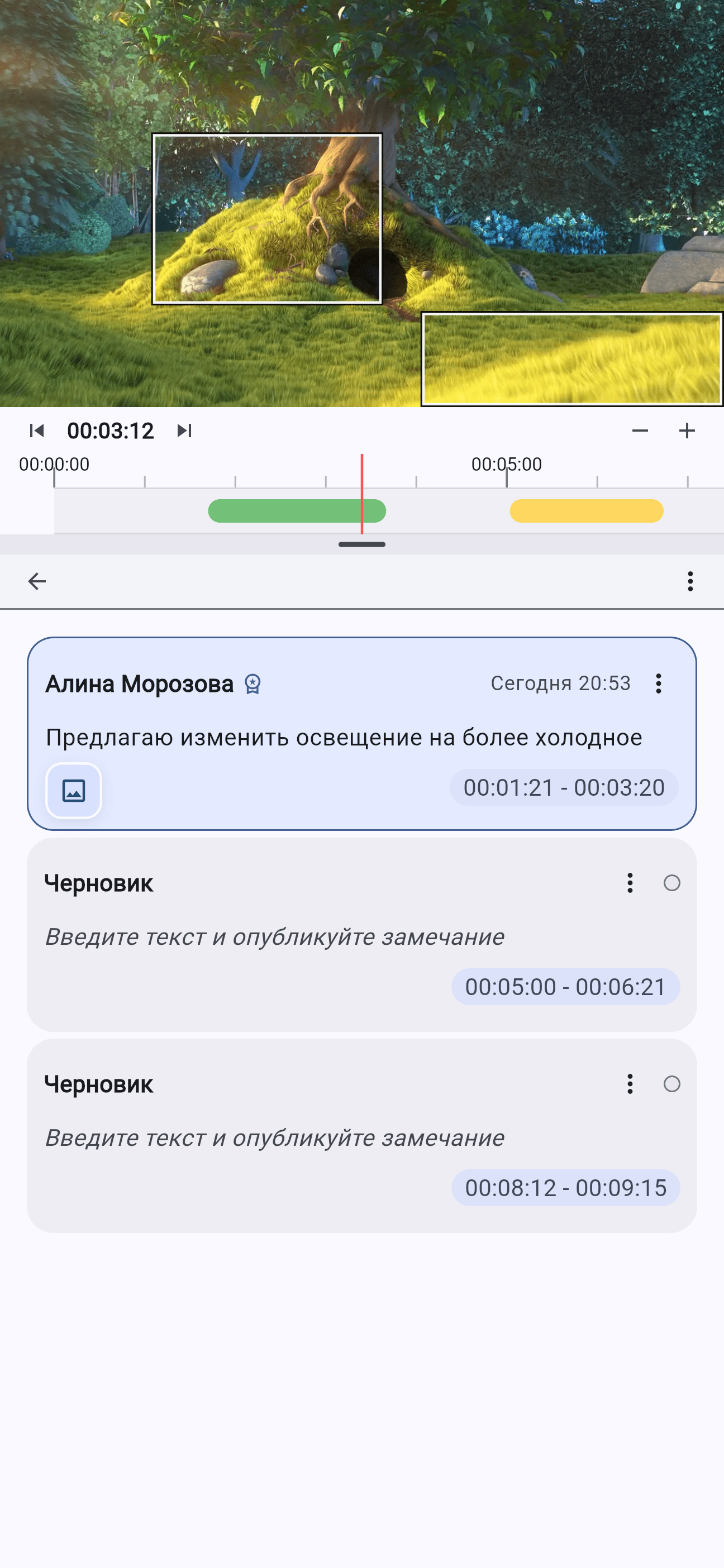
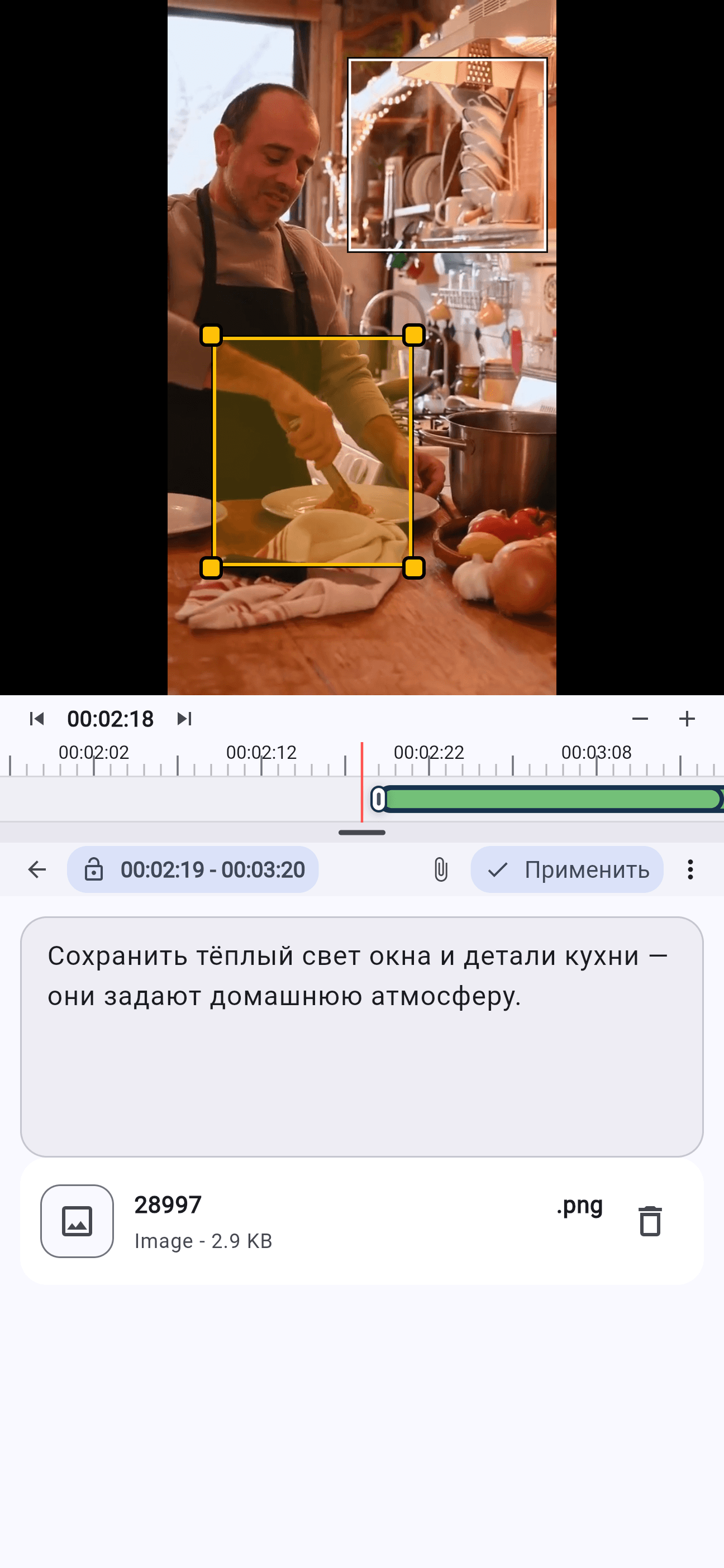
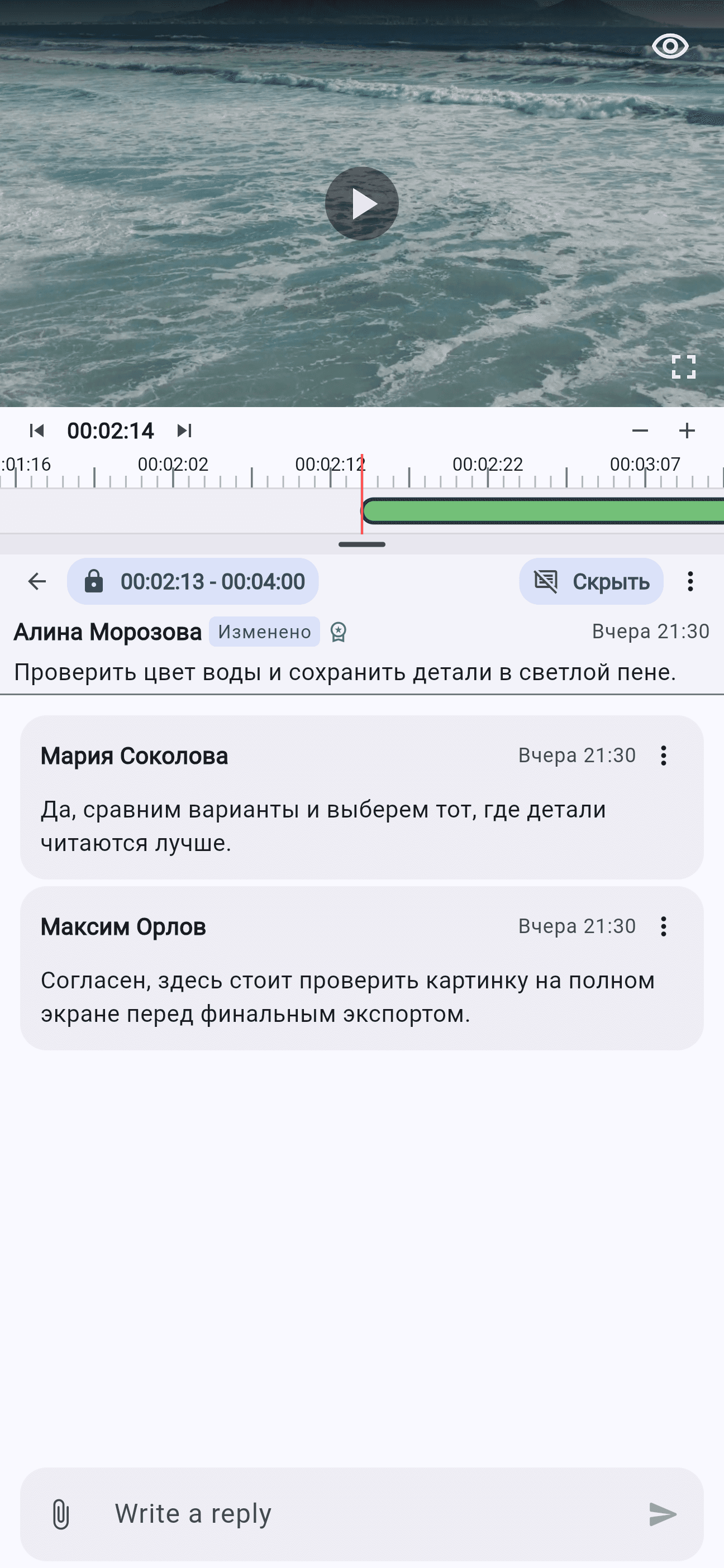
Text and visual annotations are saved in a draft so you can return to them later.
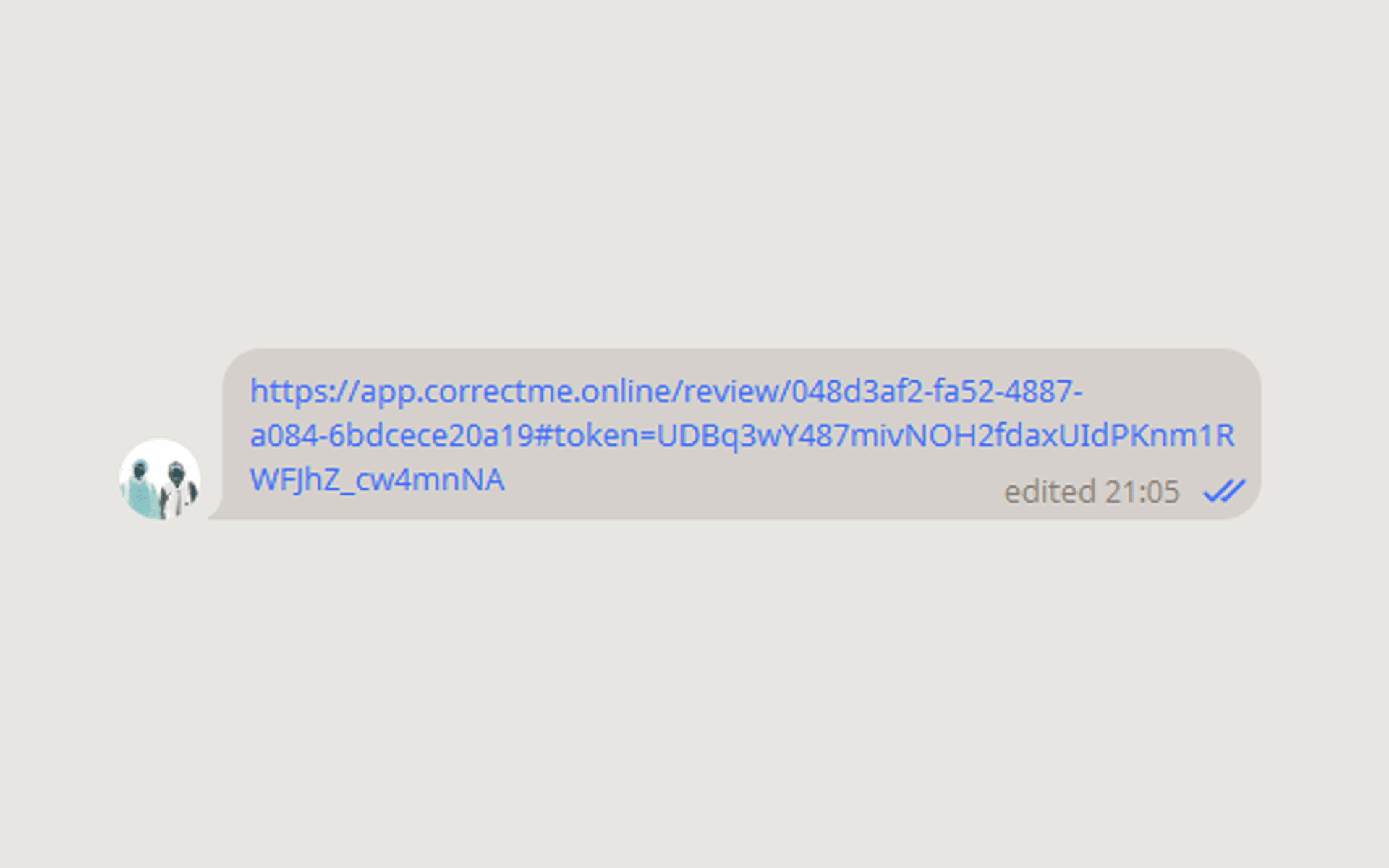
Invite participants by link and discuss the project in one place.
Choose a light or dark theme, or use your device's appearance.
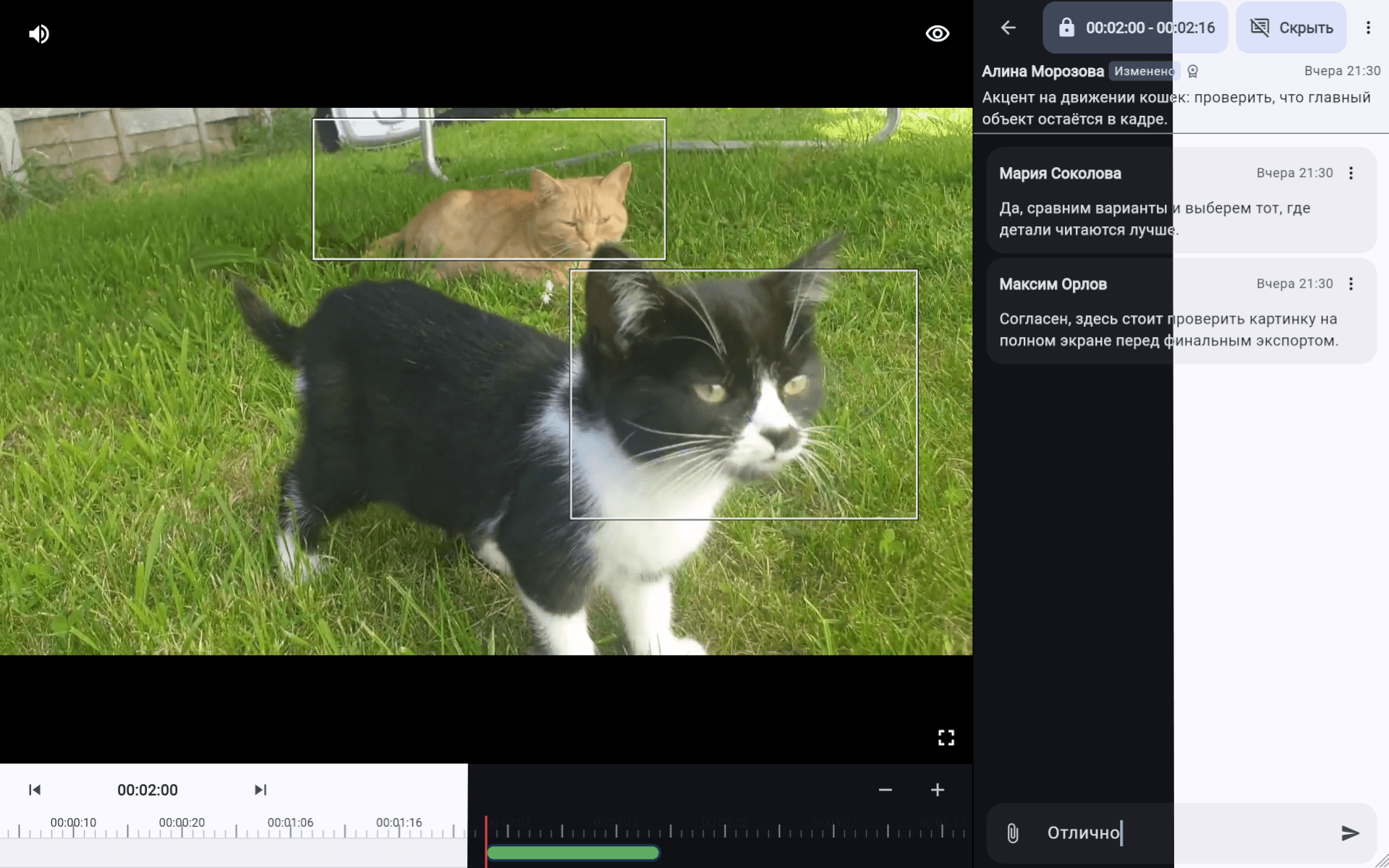
Pin feedback to the exact frame and video segment so the team can see what needs attention.
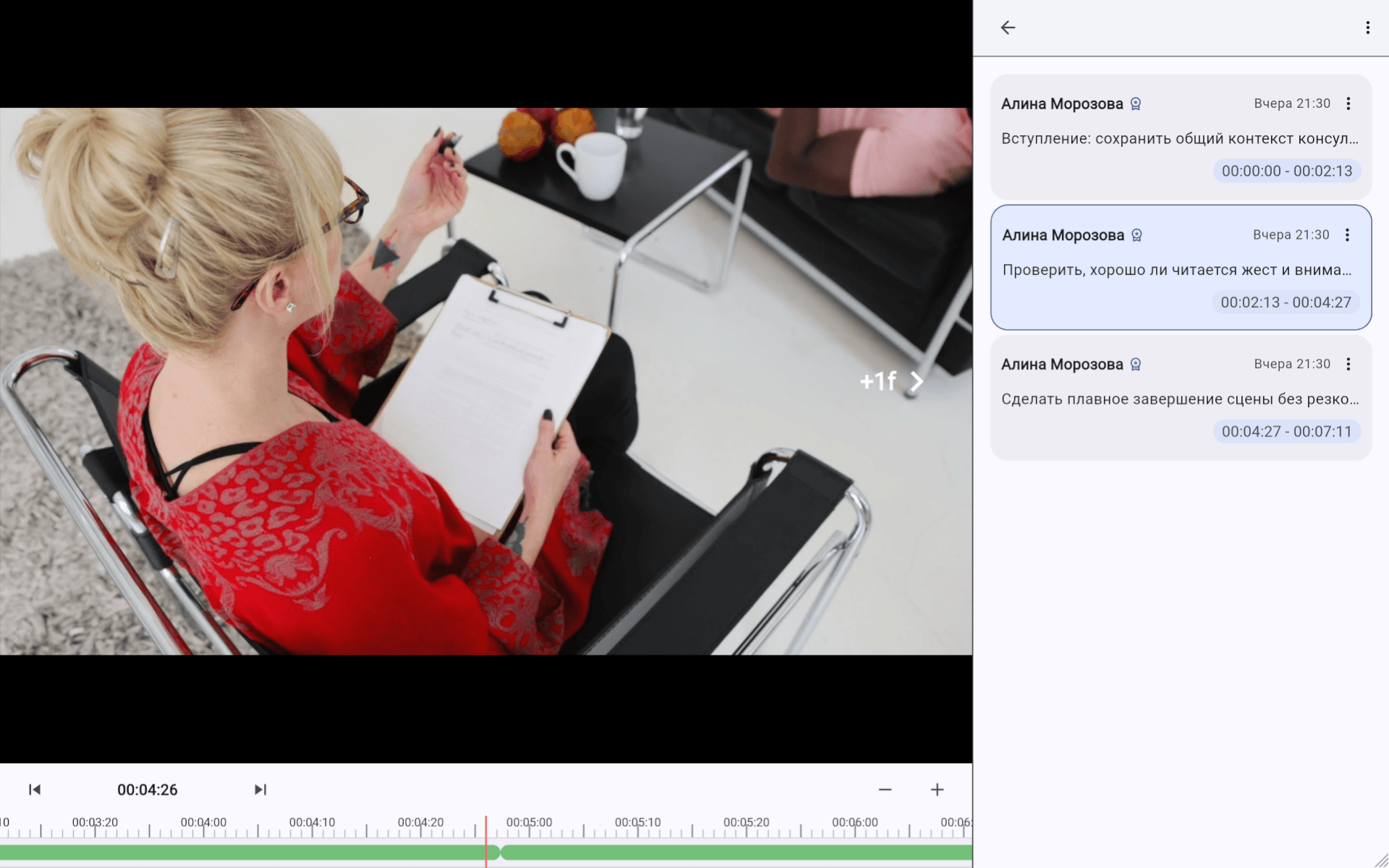
Application interface for desktop and mobile screens.
Server logic for projects, access, and discussions.
Stores project and discussion data.
Stores video and images in S3-compatible storage.
Processes video and prepares it for playback.
Have a question about the product, a suggestion, or an interest in working together? Write to us: synkster@ya.ru.